Use case · Field sales
Every visit becomes a follow-up, not a forgotten card.
Field sales is a game of follow-ups. Patrascan makes the follow-up part of saving the card, with the number and WhatsApp in the same notification.
Where leads get lost today
- Business cards from dealers and buyers end up in the car dashboard.
- Follow-ups live in your head, a diary and three WhatsApp chats.
- Typing contacts into the CRM at night eats into family time.
- Wrong digits in a hand-typed mobile number mean a lost buyer.
Step 1
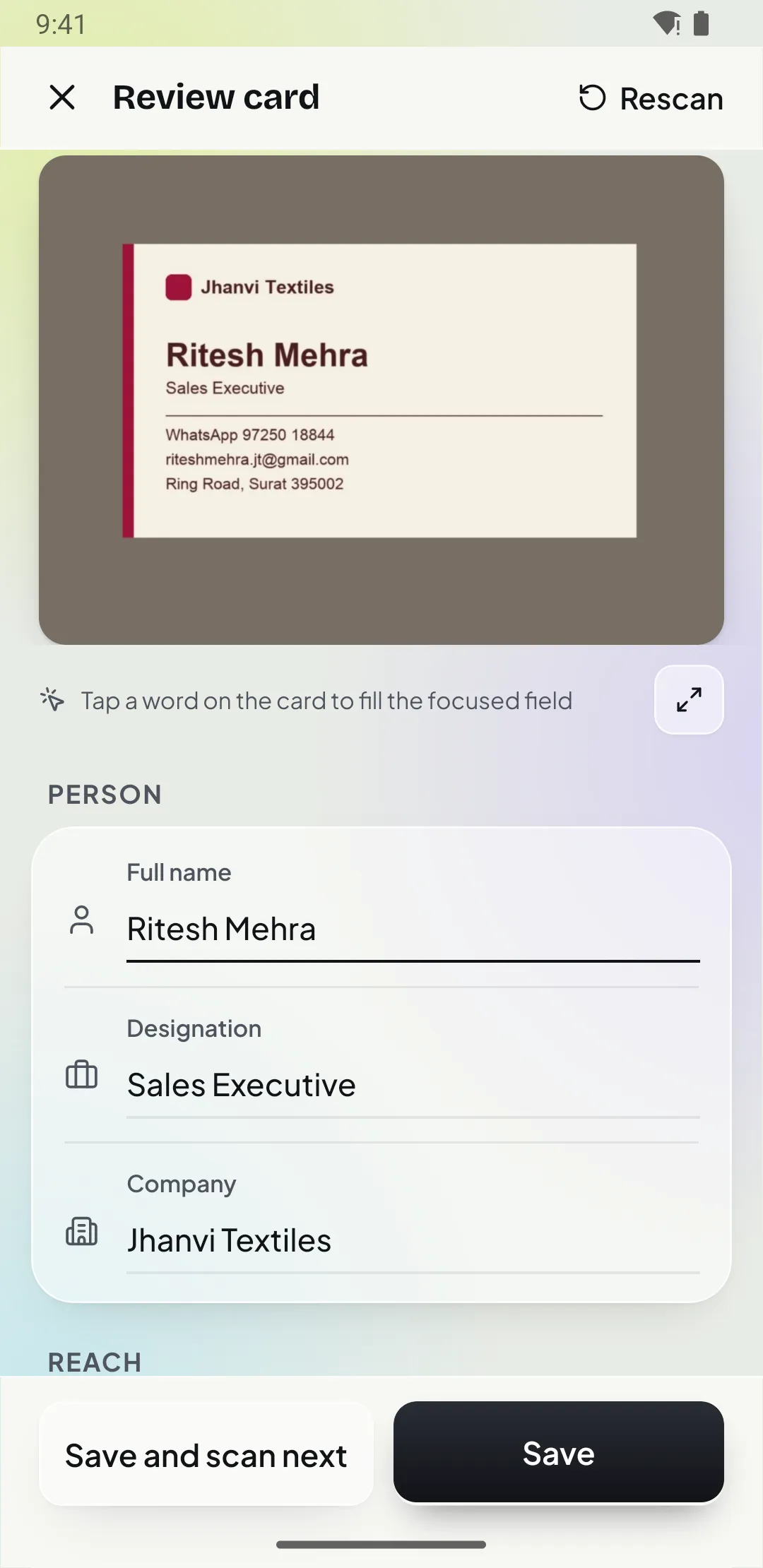
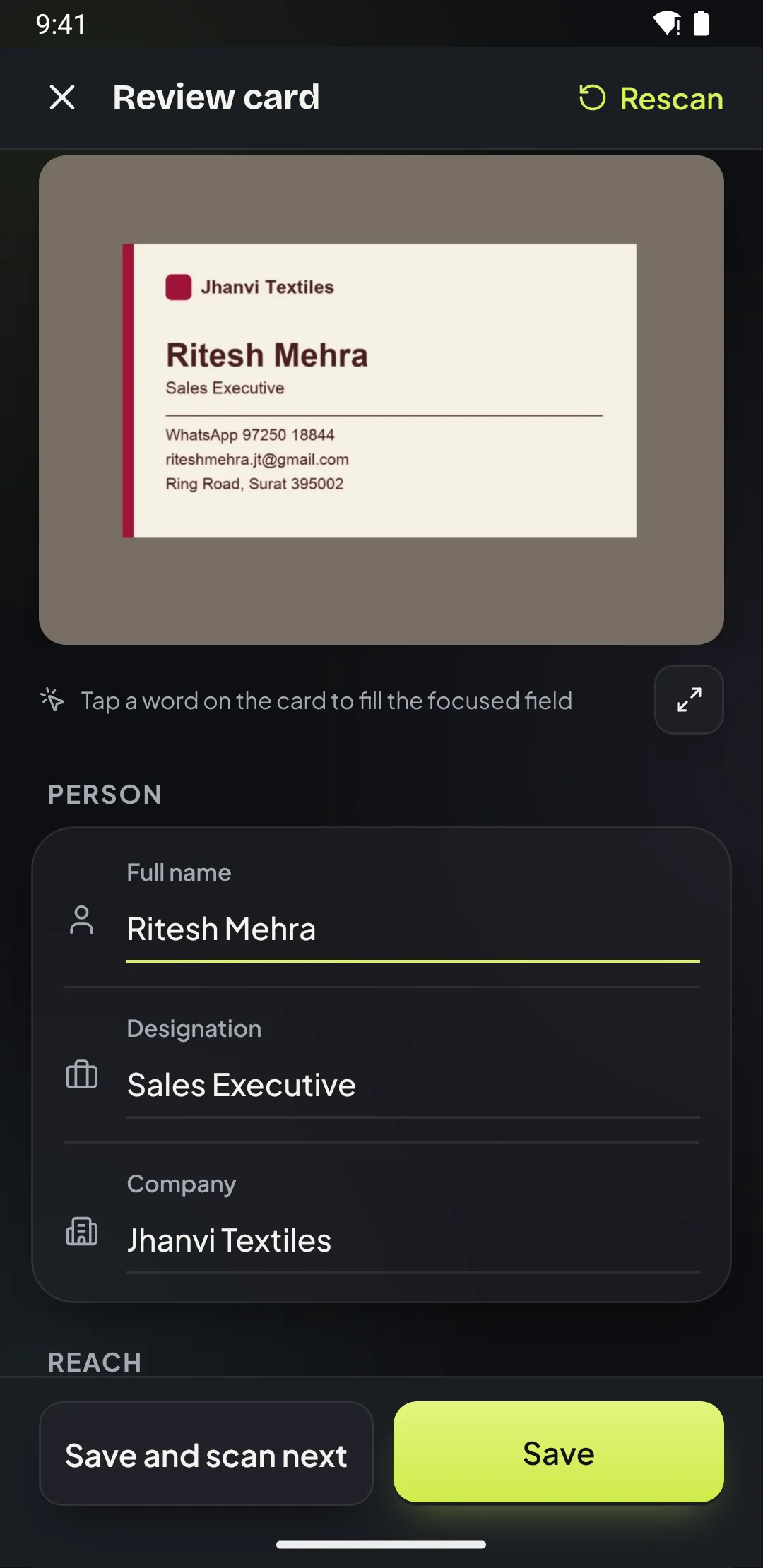
Scan at the counter
Scan the card while you are still with the buyer. Patrascan reads mobile and landline numbers in international format and highlights anything to check.
Step 2
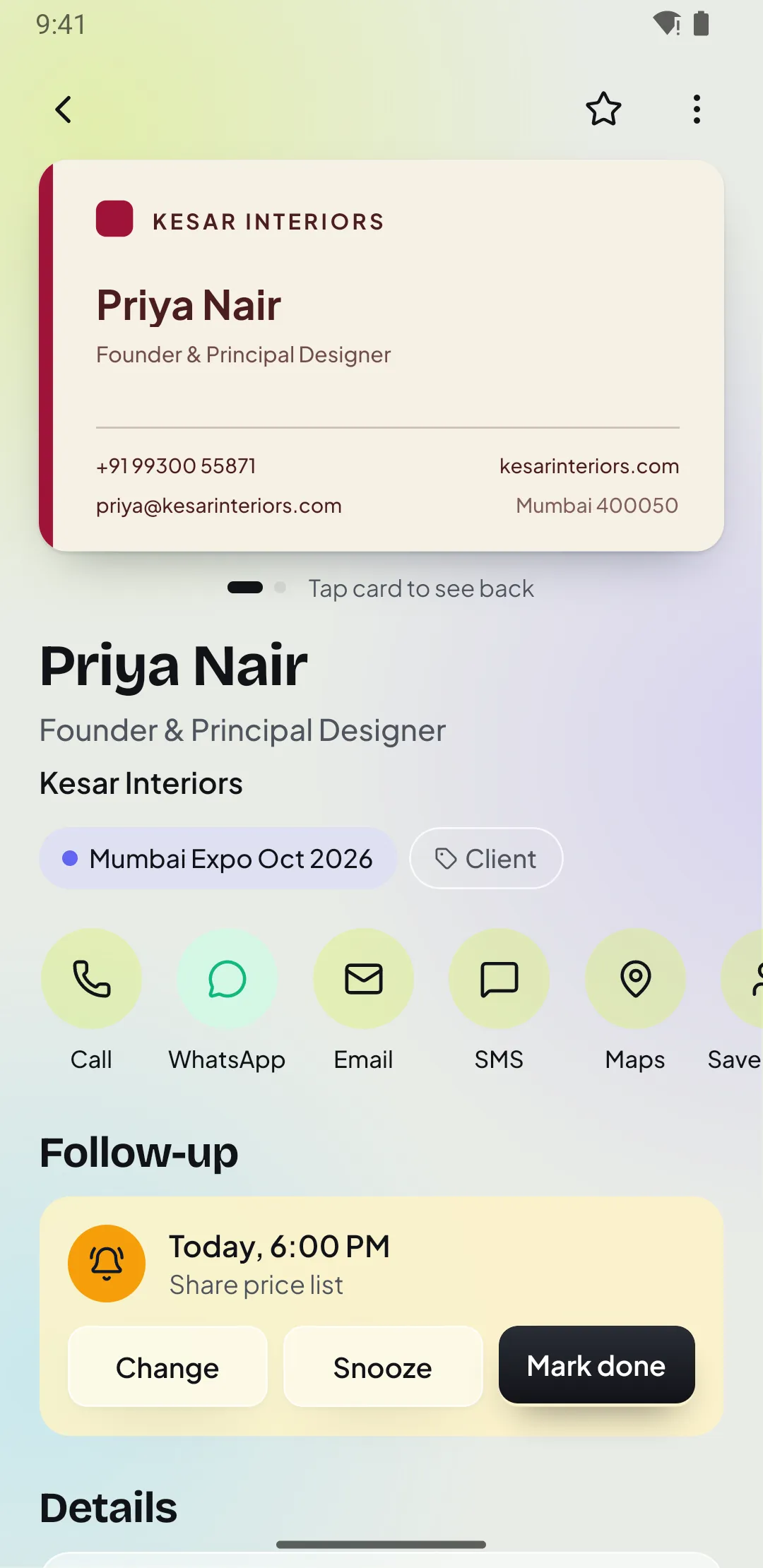
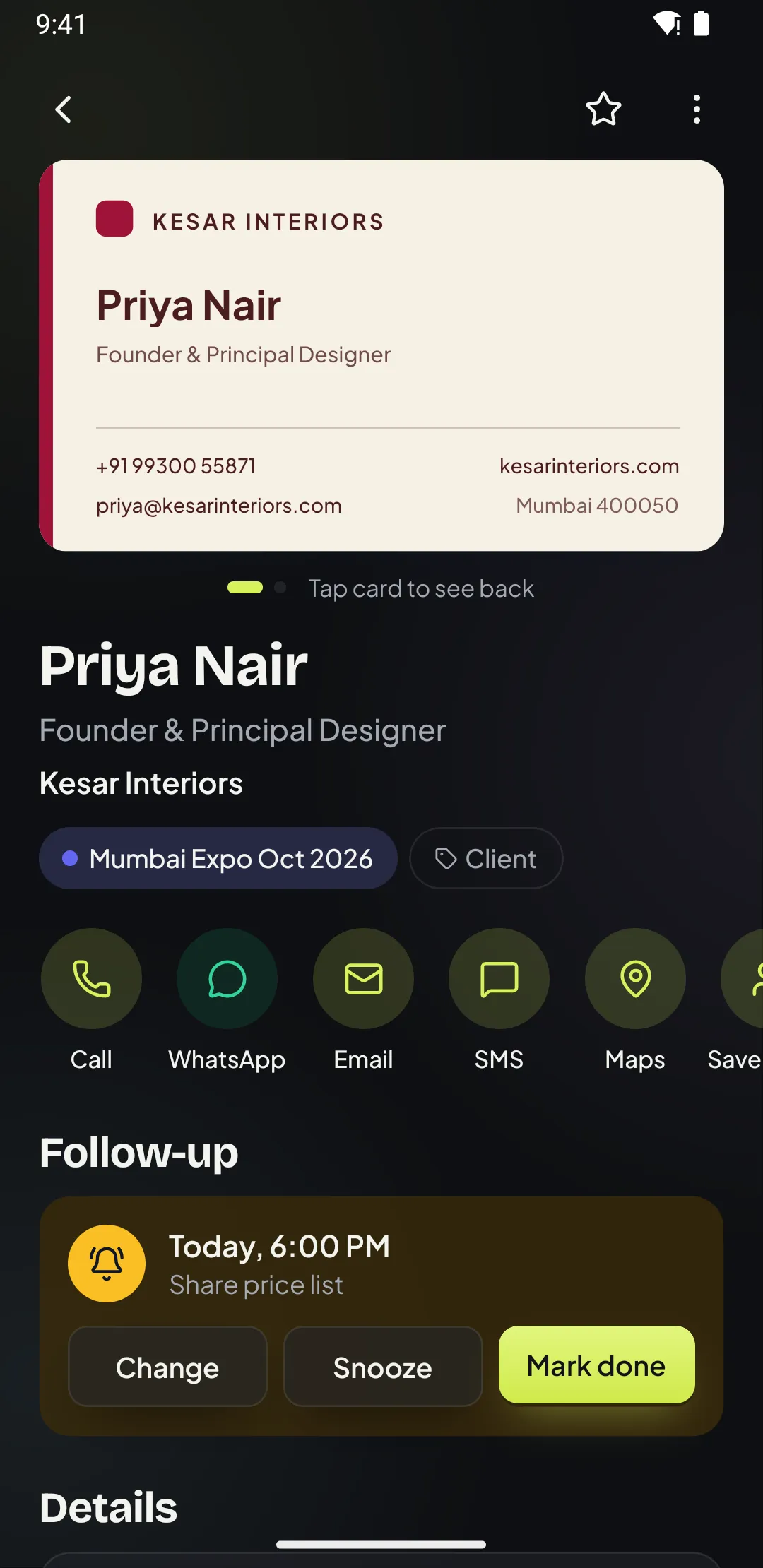
Set the next step before you leave
Pick a follow-up such as tomorrow at 10 or next week, with a note like “Send quotation”. The reminder comes with Call and WhatsApp buttons.
Step 3
Send the day’s leads to your CRM
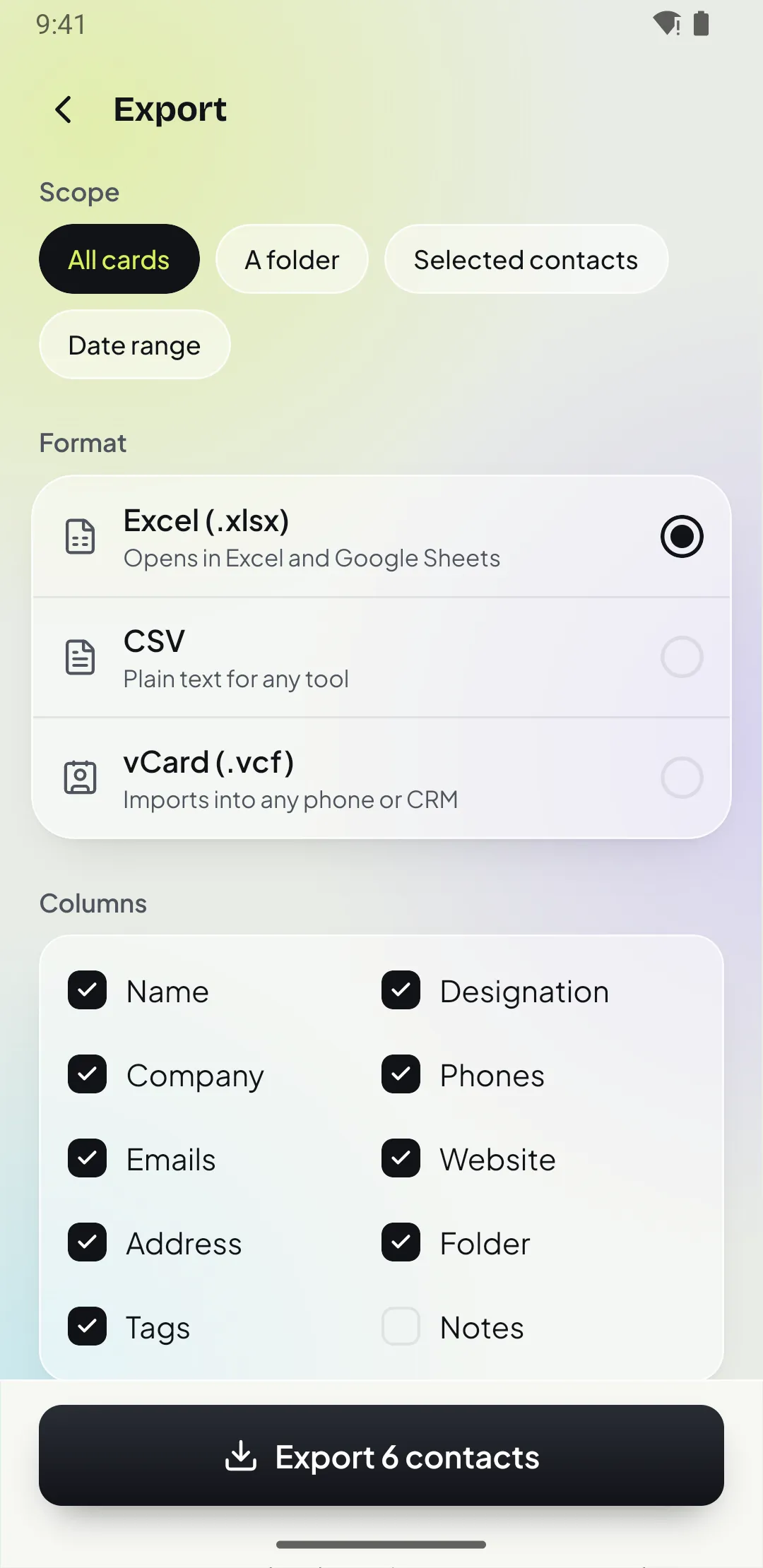
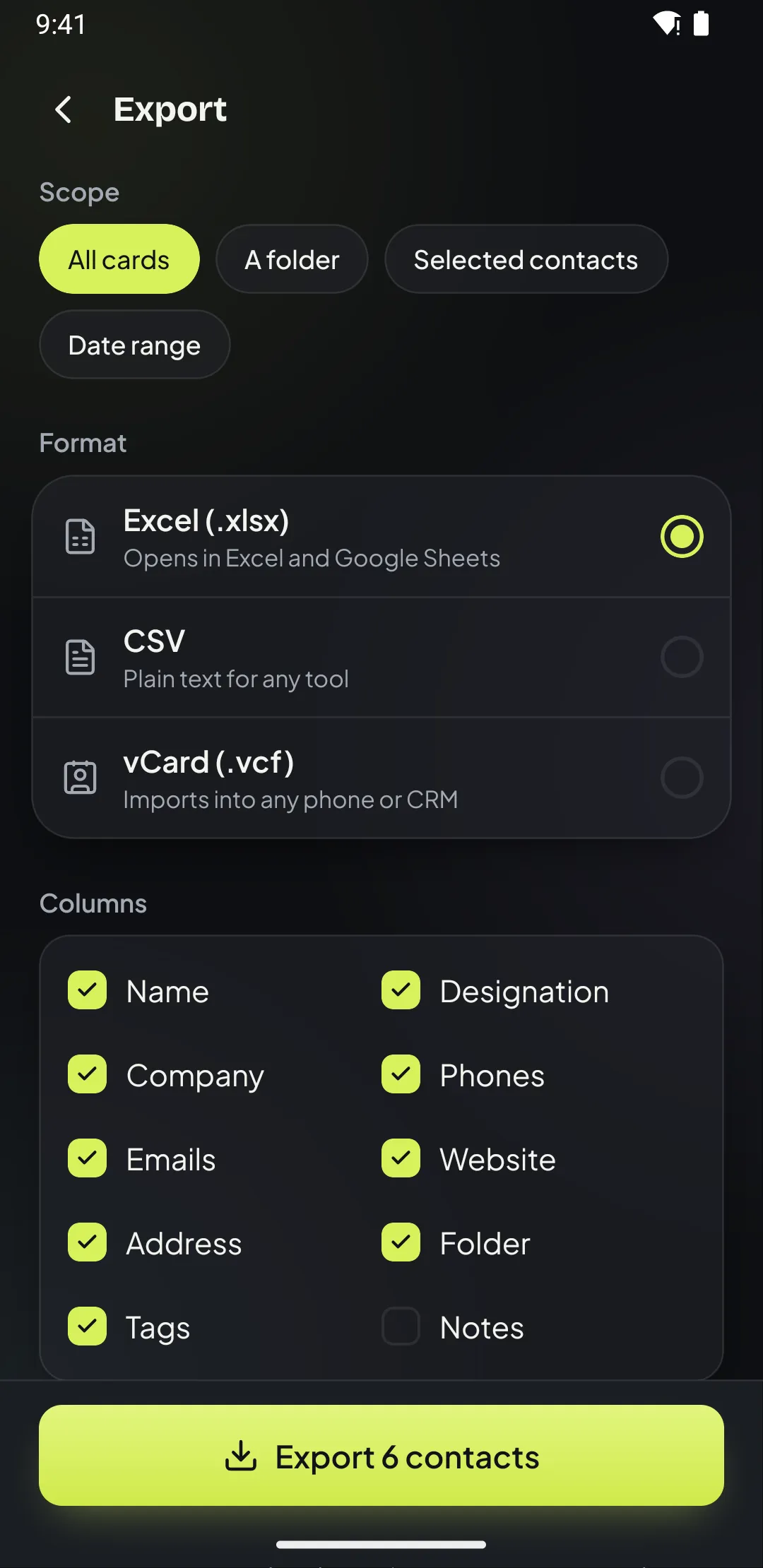
Export the day’s cards or a date range to CSV or Excel and import them into your CRM or share with your manager.
Questions
Can I export leads to my CRM?
Yes. Export to CSV or Excel and import the file into Zoho, HubSpot, Salesforce, LeadSquared or any CRM that accepts CSV. Direct CRM sync is planned.
Do reminders work when the app is closed?
Yes. Reminders are scheduled on your phone and arrive even when Patrascan is closed, with Call, WhatsApp, Snooze and Done buttons.
Can I see where I met someone?
Yes. Patrascan can remember the city you were in when you scanned the card, and you can add notes and tags to every contact.
More: all features · pricing · guides
Free for your first 15 cards