Features
Every business card, read, sorted and followed up.
Patrascan turns the business cards you collect into contacts you actually call back. Here is everything it does, on Android and iPhone.
01 · Scan
Scanning that understands business cards
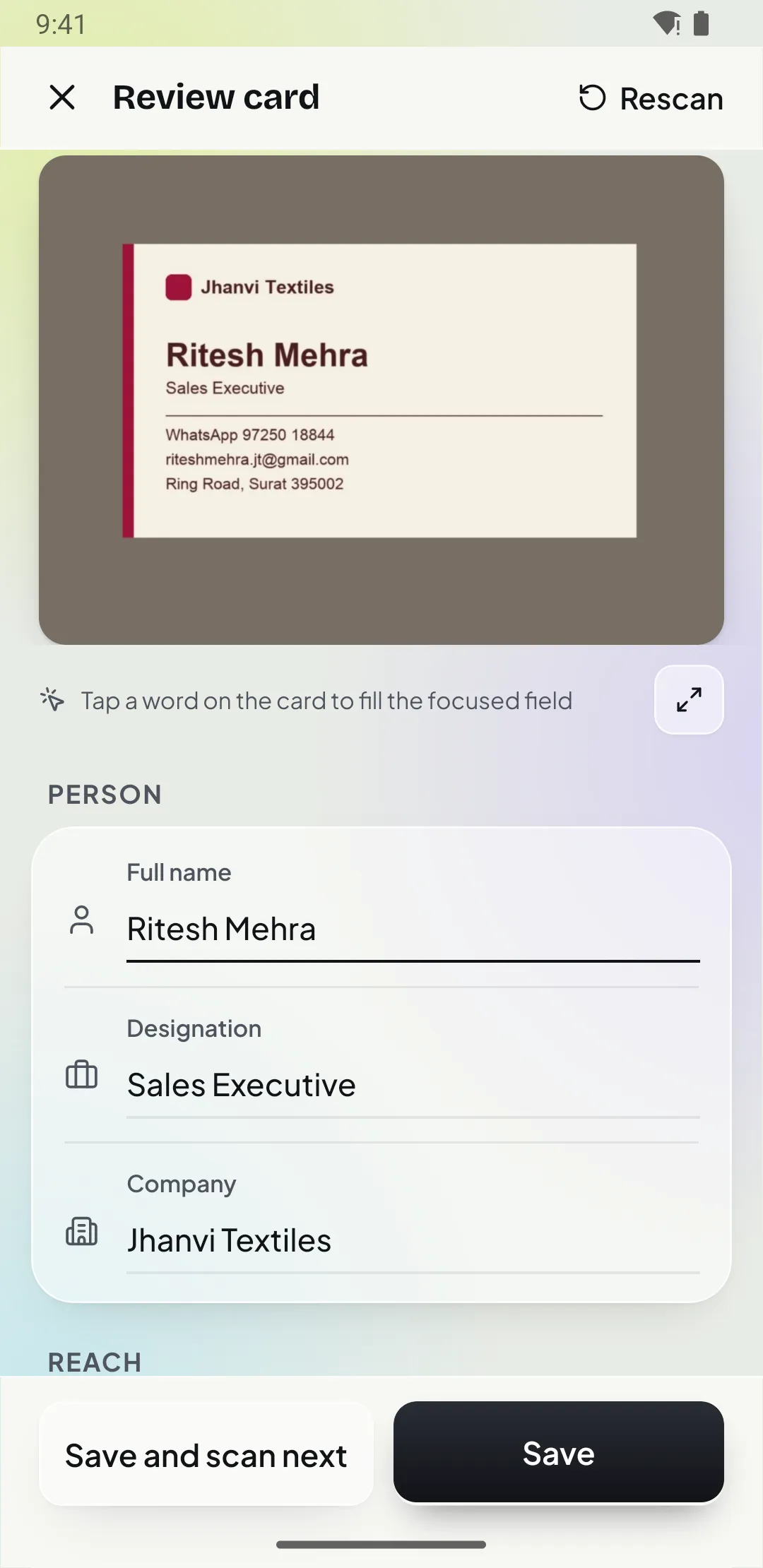
Patrascan uses the phone’s document scanner and Google ML Kit text recognition, both on the device. A rule-based parser, tuned for Indian cards and English-language cards from anywhere, then decides which line is the name, which is the designation and which numbers are mobile, office or WhatsApp.
-
Scan front and back
The document scanner finds the card edges, straightens it and captures both sides. You can also pick a photo from your gallery.
-
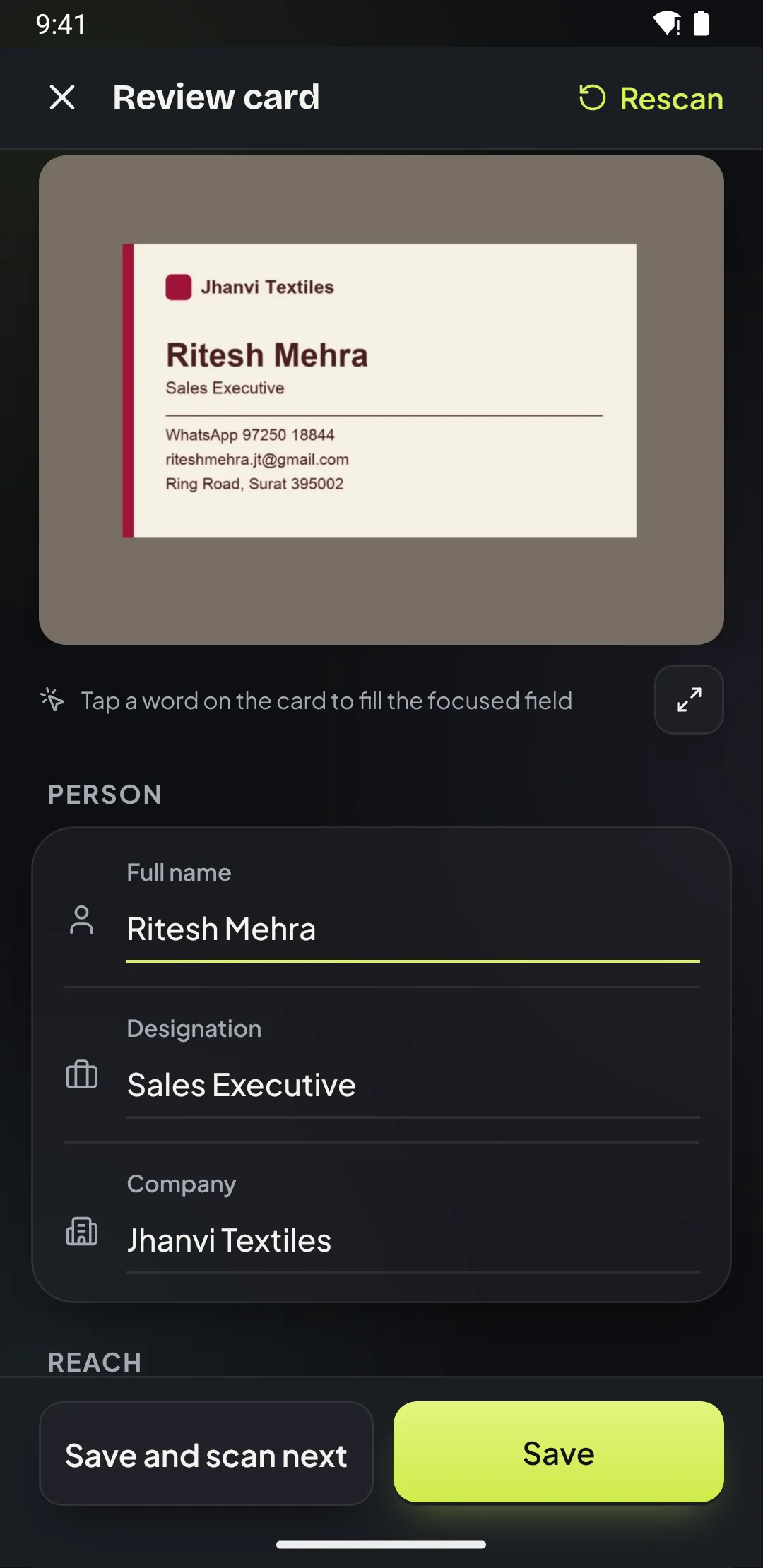
Tap a word to fix a field
Wrong field? Tap any word on the card image and drop it into Name, Company or Designation. Unsure fields are highlighted.
-
Phone numbers done right
Numbers are saved in international format and labelled Mobile, Office or WhatsApp. Indian +91 mobiles, STD landlines and PIN codes are read especially well.
-
Batch scan 30 cards Pro
Back from an expo with a stack of cards? Scan them in one go, apply a folder, tag and follow-up to all, then save together.
-
Duplicate check
Scanned the same person twice? Patrascan spots the matching number or email and offers to merge.
02 · Organise
Folders, tags and search that keep up with you
Sort cards by event, client or city, tag them by intent and find anyone in a second, even offline and even with half a phone number.
-
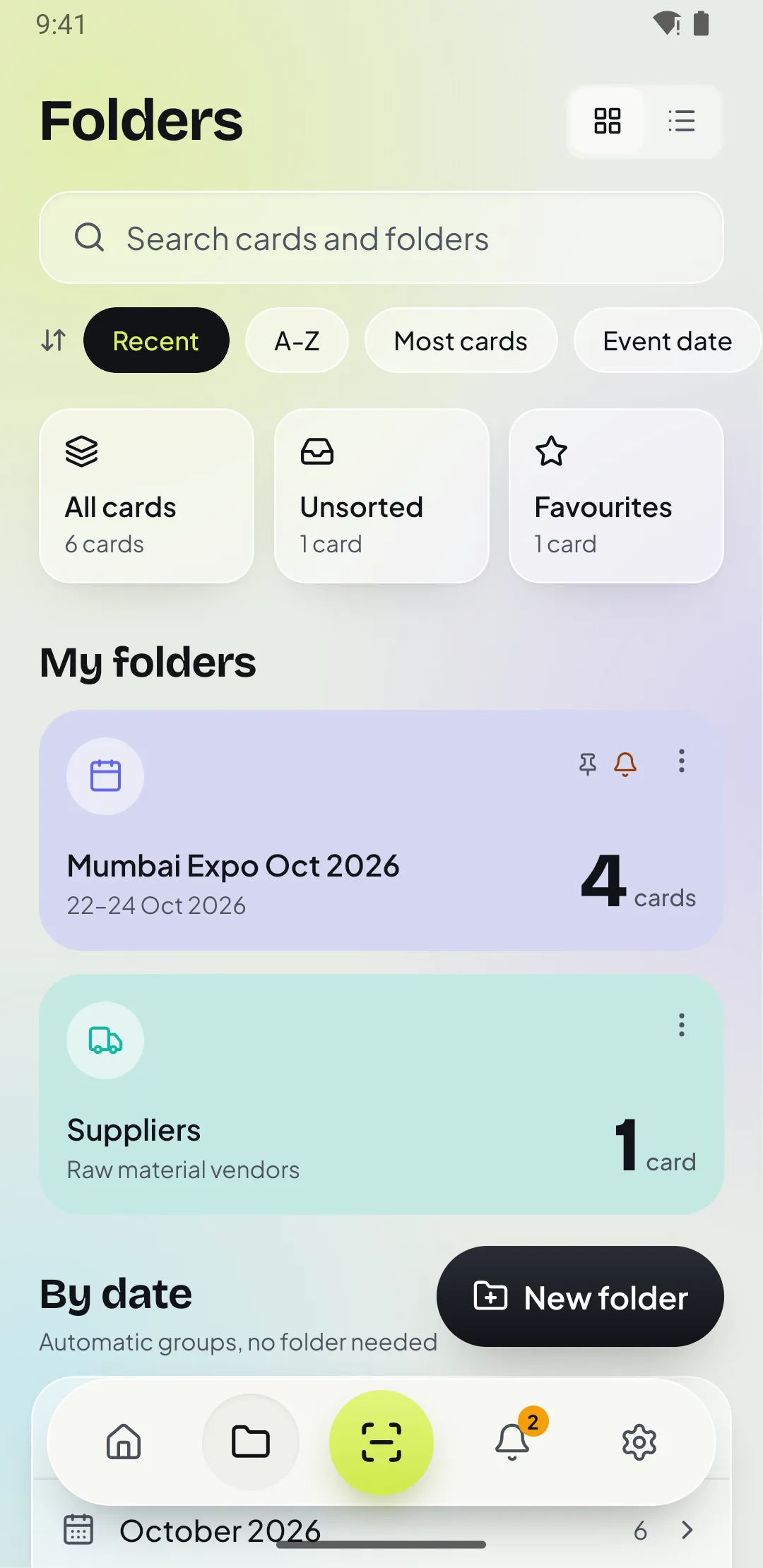
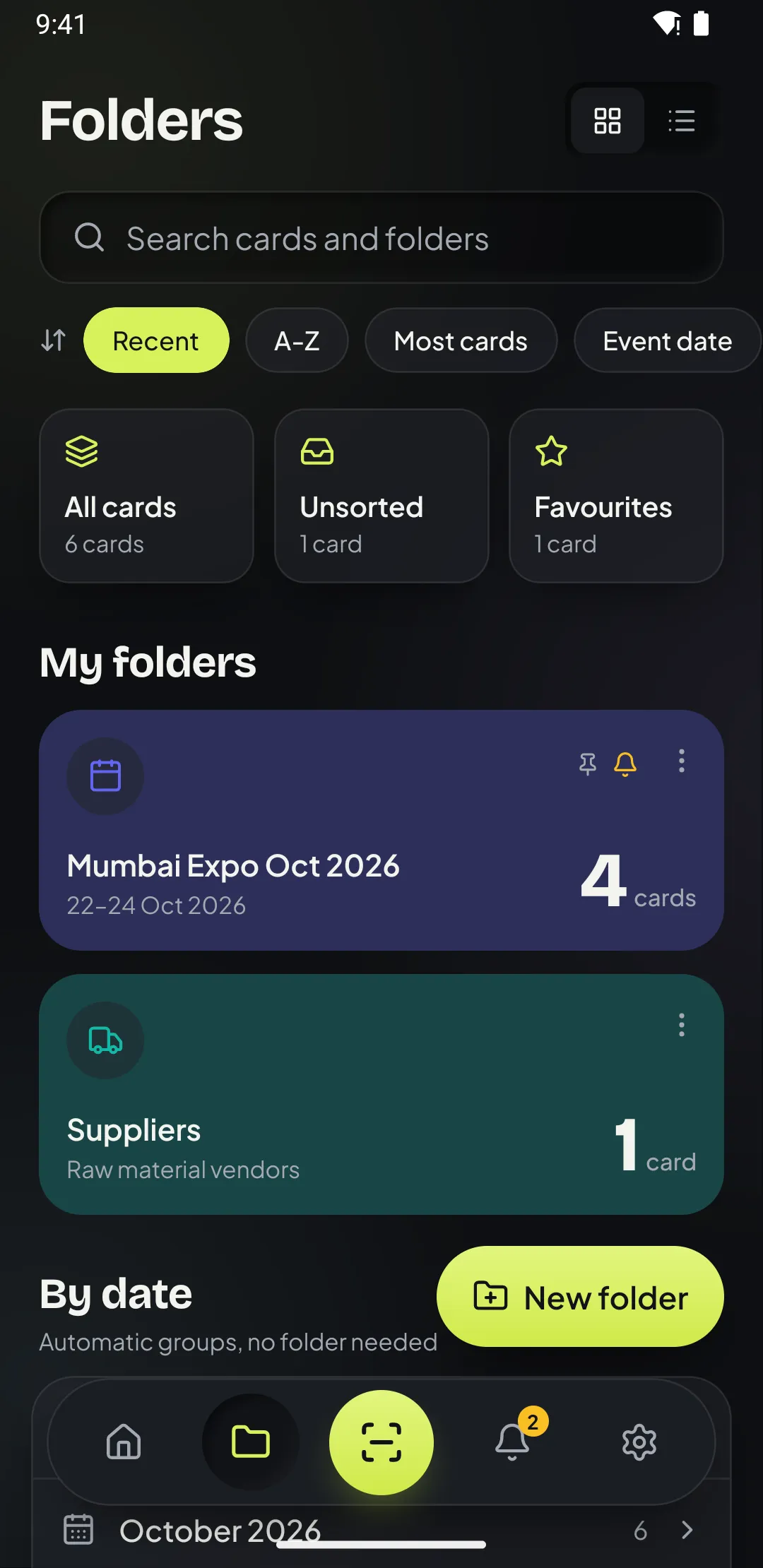
Folders by event or client
Keep "Mumbai Expo Oct 2026", "Suppliers" or "Pune clients" apart, with dates, location and a pinned default folder for new scans.
-
Tags and favourites
Mark cards as Lead, Client, Supplier or Hot, star the important ones and filter by any of them in search.
-
Find anyone instantly
Search names, companies, numbers, emails, cities, tags and notes, even with half a phone number. Works offline.
-
Works offline
Scanning, reading, saving, search and reminders work without internet. Backup catches up when you are online.
03 · Follow up
Follow-ups that actually happen
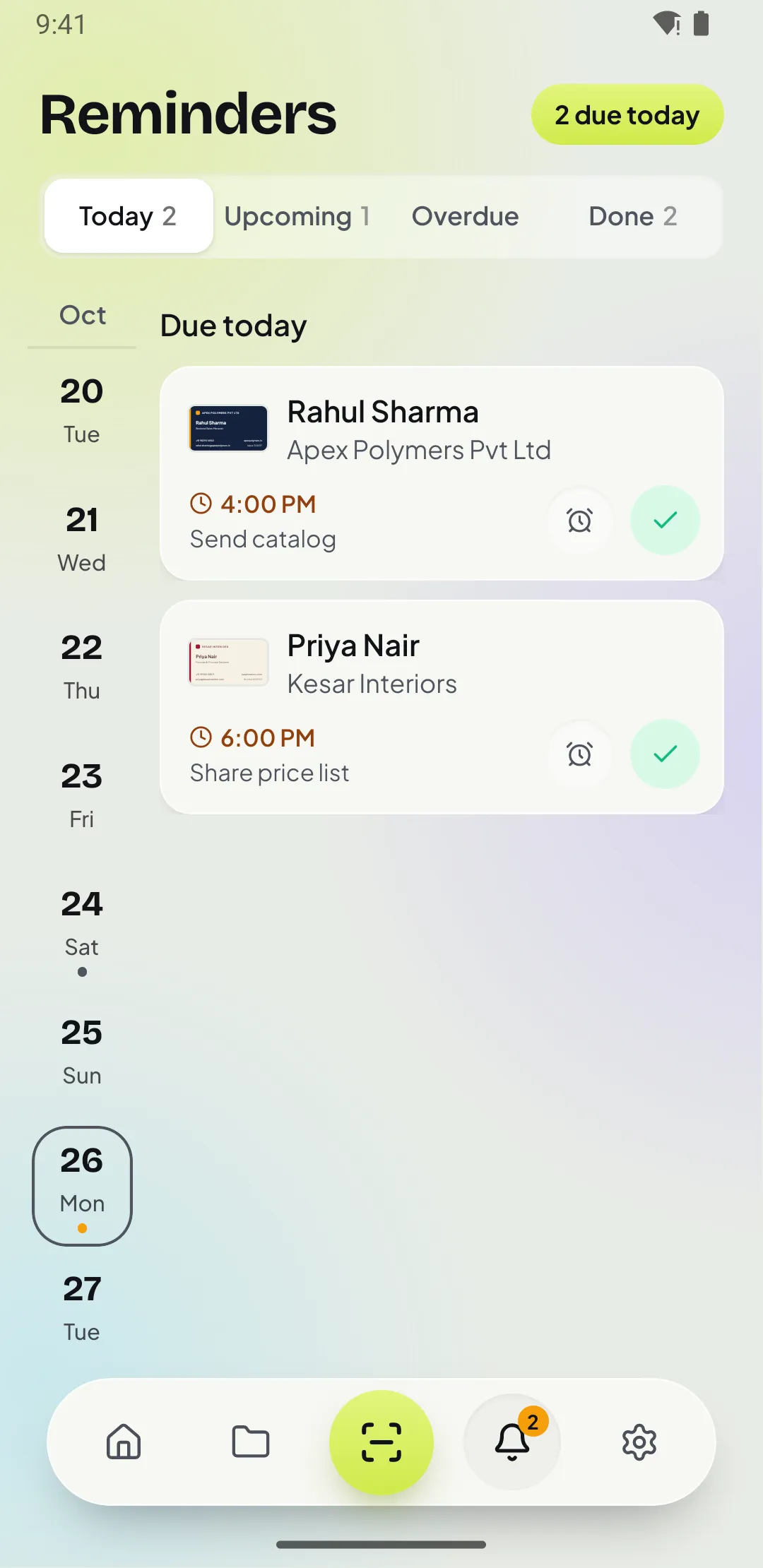
Most leads from an event are lost because nobody calls back in time. Patrascan puts the reminder, the number and WhatsApp in the same notification.
-
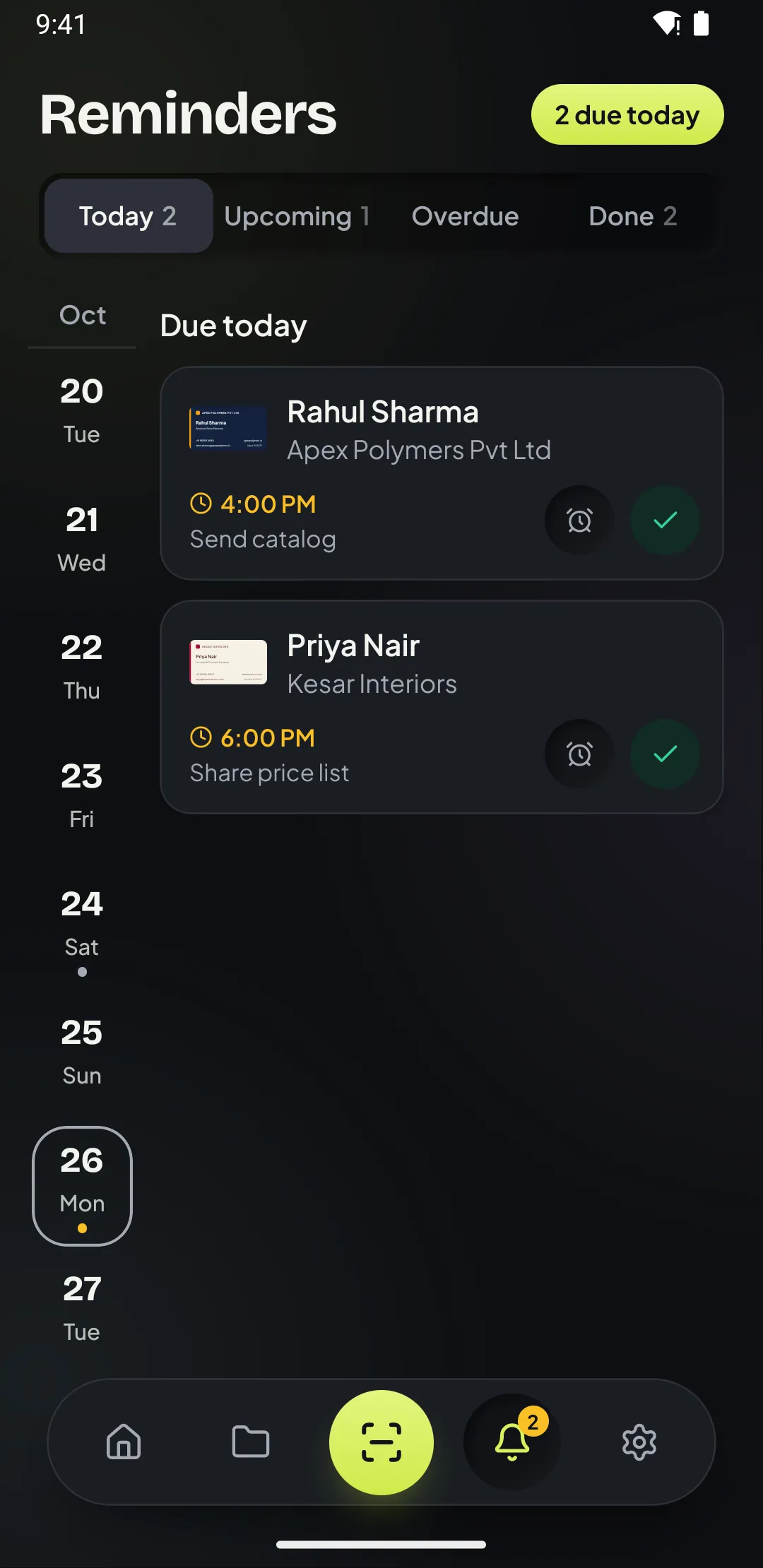
Follow-up reminders
Later today, tomorrow at 10, next week or any time, with notes and weekly or monthly repeats. Act from the notification itself.
-
WhatsApp in one tap
Open a chat with a ready greeting, "Hi Rahul, great meeting you at Mumbai Expo!", or call, SMS, email and open maps.
-
Save to phone contacts
One tap adds the person to your phone contacts so they show up in your dialer and WhatsApp.
04 · Share and protect
Export when you need it, private when you don’t
Export to Excel, CSV or vCard for your CRM or team, back up to the cloud, and lock the app with your fingerprint.
-
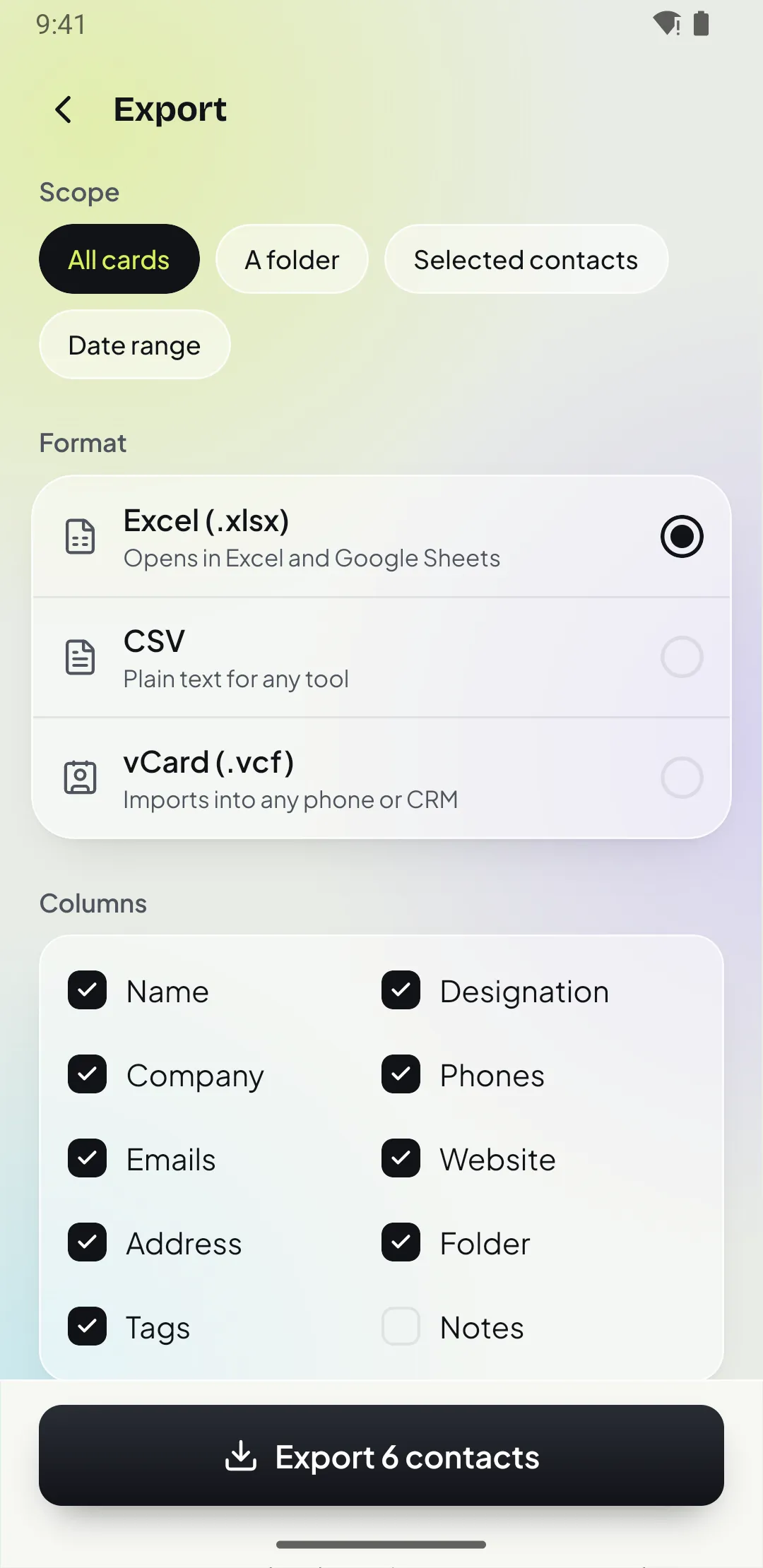
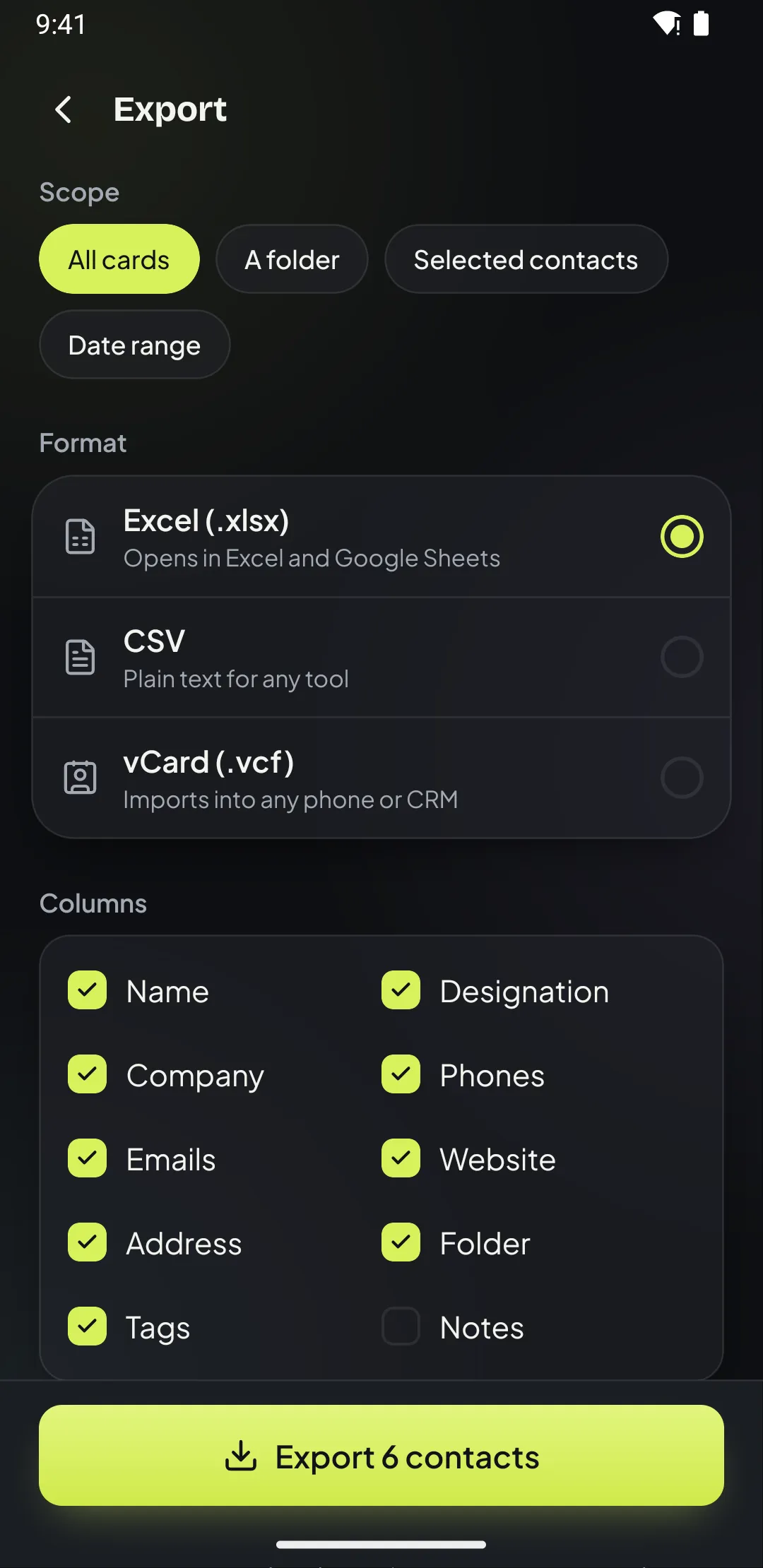
Export to Excel, CSV, vCard Pro
Export everything, a folder or a date range, choose the columns and share the file to your email, Drive or CRM.
-
Cloud backup and sync Pro
Back up cards and card images, restore them on a new phone and keep two phones in step.
-
App lock Pro
Lock Patrascan with your fingerprint, face or screen lock so your contacts stay private.
-
Light and dark mode
Follows your phone, or pick one. Built for one-handed use with large touch targets and bigger text.
Free for your first 15 cards